01
Capture
New clients, contacts, leads, and opportunities begin with priority, status, source, and context.
Product
One interface for clients, contacts, opportunities, follow-ups, files, notes, products, analytics, and activity history, organized around what needs movement next.
Start Free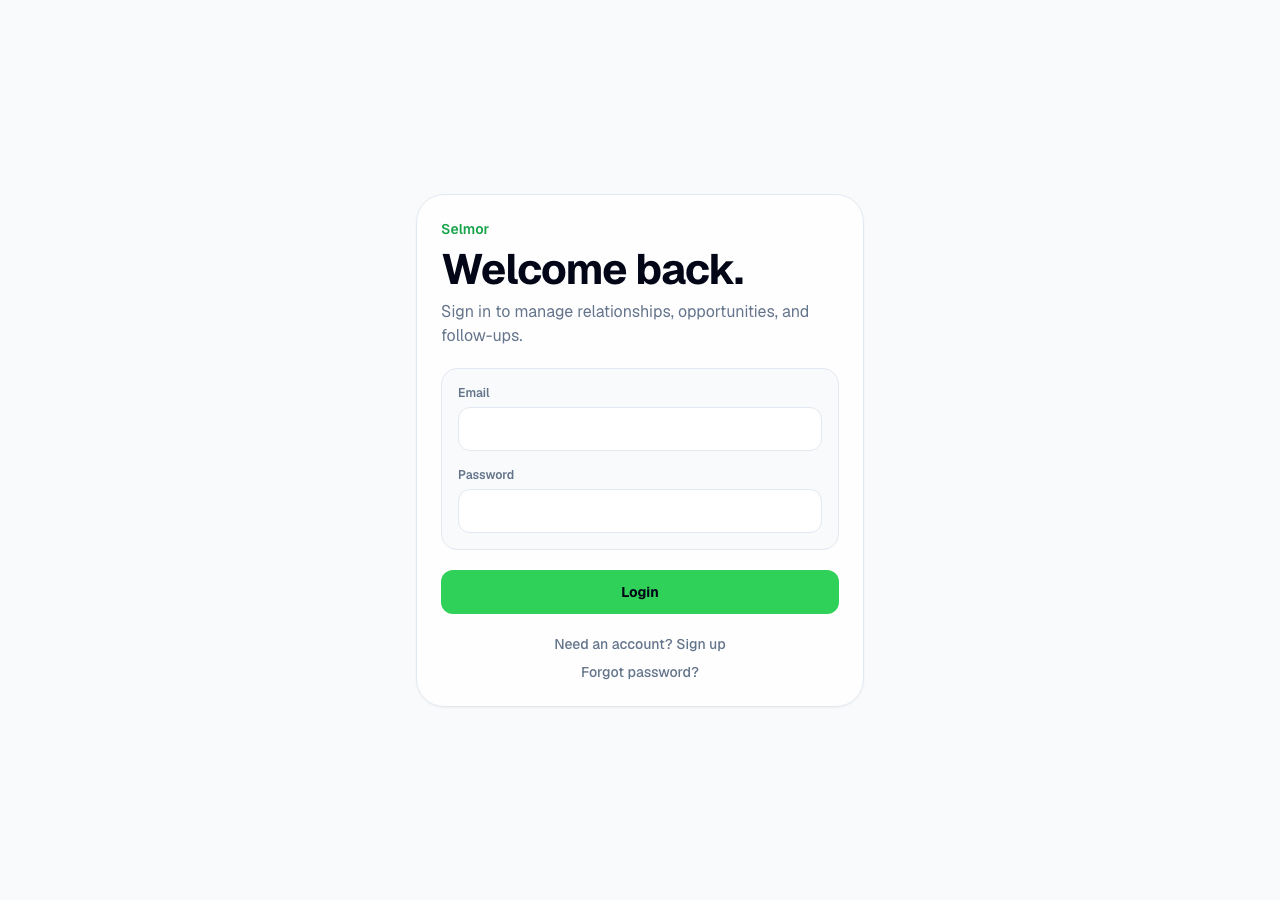
Real product surface
Selmor.app explains the product. App.selmor.app is where sellers sign in, choose their workspace, and manage their real clients, follow-ups, opportunities, notes, and revenue.
01
New clients, contacts, leads, and opportunities begin with priority, status, source, and context.
02
Records become opportunities, jobs, engagements, cases, or projects with value, stage, documents, and history.
03
Follow-ups, meetings, calls, emails, and tasks push work through a visible, low-friction flow.
04
Every note, conversation summary, quote, document, and activity remains attached to the customer or opportunity.
How the actual Selmor app works
Client → Contact → Opportunity → Follow-up → ActivityCustomer
Oak Ridge HVAC · Commercial service
Client type
Business · Oak Ridge Mechanical
Contacts
Jordan Hale · Operations Manager
Connected data
Contacts, opportunities, files, notes, tasks
Owner
Maya Lin
Priority
High · text reminder scheduled
Timeline events are created when records change, files are uploaded, notes are added, reminders are sent, or opportunities move stage.
8 active
5 active
4 active
3 active
2 won · 1 lost